Start with an image you love.
Import a photo from your library or choose an included image.

 Notched
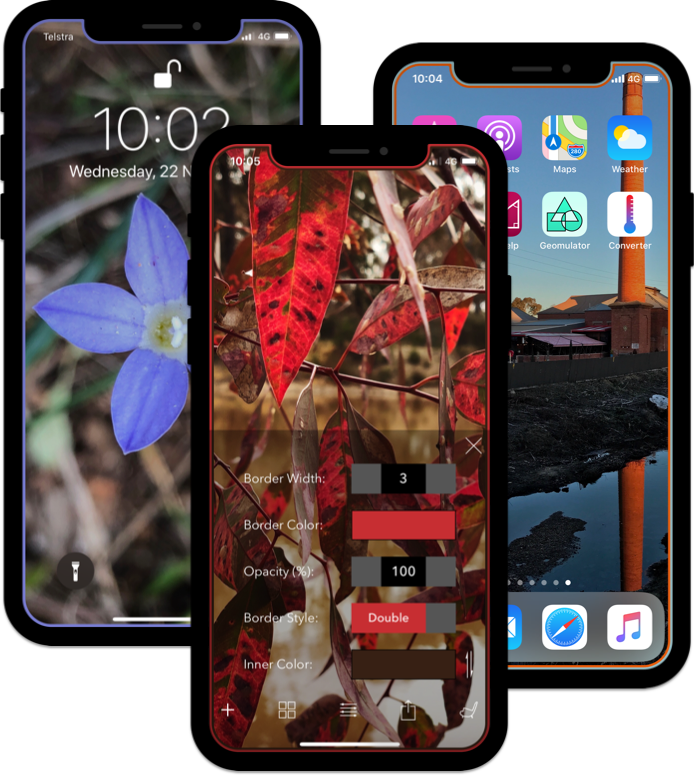
Make a bordered wallpaper that feels like yours, using a favourite photo or one of the included images.
Import a photo from your library or choose an included image.
Choose a single line, double line, gradient or rainbow, then adjust the colour and opacity.
Export the image to your photo library, then set it as your wallpaper.
Follow the step-by-step wallpaper guide if you need a hand.
Adjust the border to complement your photo, or make it the part that stands out.
Read the wallpaper guide