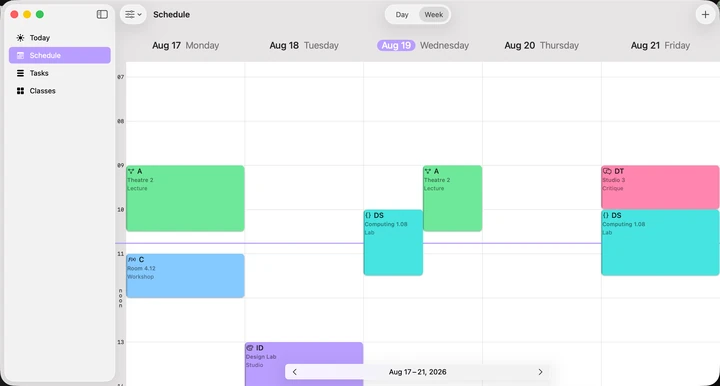
See the shape of your week.
Switch between week and day views, with colours and icons that make each subject easy to spot. Hide weekends or jump ahead to another date.

 Timetable Pad
Make sense of your school week. Plan classes, keep track of assignments and see what's coming next.
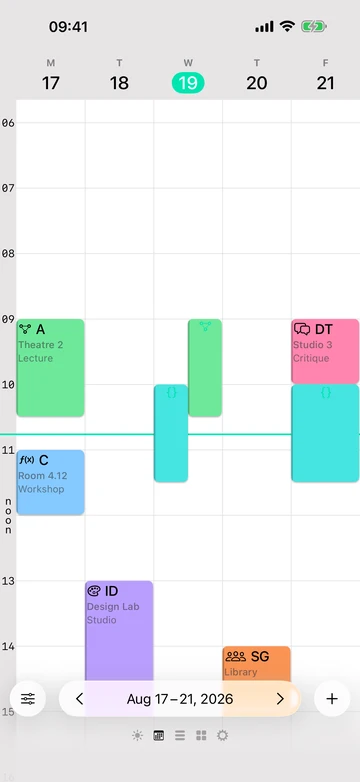
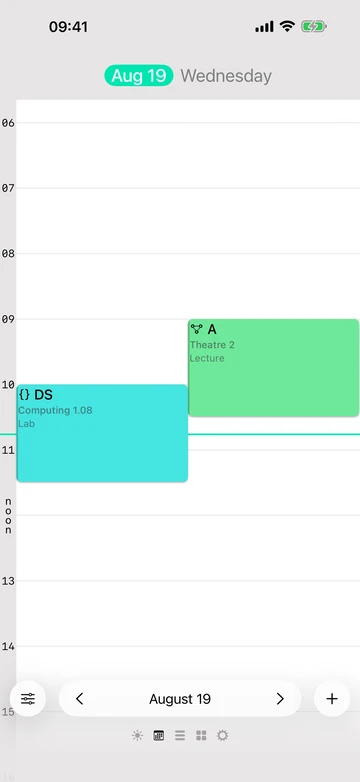
Switch between week and day views, with colours and icons that make each subject easy to spot. Hide weekends or jump ahead to another date.
Set classes to repeat weekly, fortnightly or on longer rotations, with an end date for the semester.
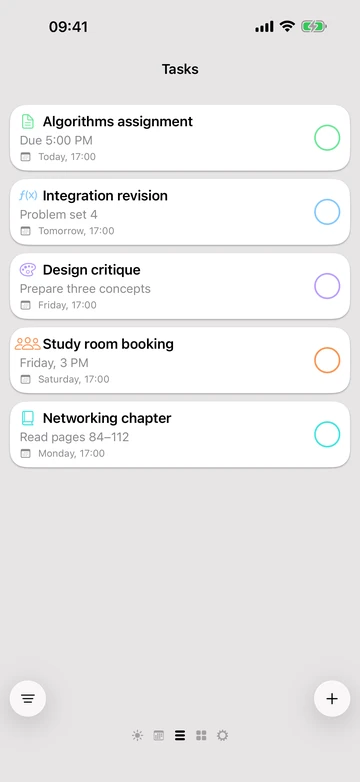
Organise tasks by subject, add due dates and set reminders for upcoming classes and deadlines.
Upgrade to Timetable Pad Plus for unlimited events and tasks.
iCloud keeps your timetable and tasks in sync across iPhone, iPad and Mac, so your plans can come along wherever you study.
Timetable Pad has been rebuilt with a new design and assignment tracking alongside your classes. Read about the relaunch.